Drawings View
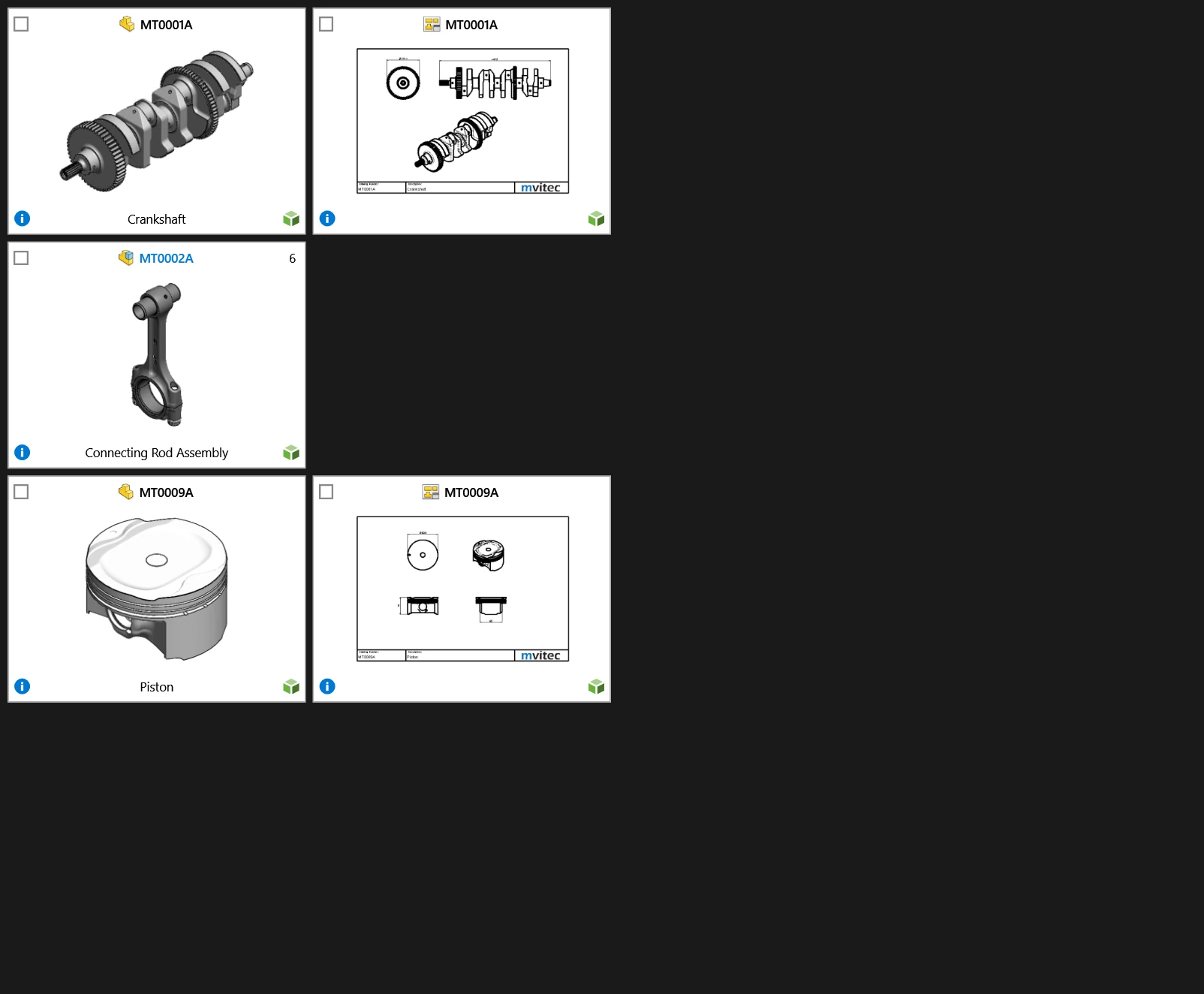
The Drawings view shows the drawings of the items on screen. Each row starts with a part or assembly, followed by the drawings that show it.
To show the drawings:
- Click Drawings in the command bar. The icon gets its color.
- To go back to the item boxes, click Drawings again.
Good to know
- The drawings come from the Vitreo database: every drawing that shows the model is in its row.
- A drawing you create or delete joins or leaves its row at once.
- Create drawing in the item box menu is only there while the Drawings view is on. See Create or Open Drawing.
- Home and Back switch the Drawings view off. To keep it on, turn on Settings > Options > Keep drawings on when navigating.
- The drawings count in the bottom bar counts the drawing item boxes in the rows.
- Select all also checks the drawings in the rows.
- Rows do not wrap. With large tile sizes, choose a smaller size to see all drawings of a row.
- A search never finds drawings. Search first, then click Drawings to see the drawings of the results.