Publish Overview
A web page from Vitreo is a folder with an index.html file. You build it in the Publish Tools pane on the right with four things: a publish folder, projects, pages and home items.
Publish Tools pane
- Customer A publish folder = one web page
- Machine X project
- Frame page
 Assembly-100 home item
 Bracket home item
- Spare parts page
→
Machine XFrameSpare parts
| Part | What it is |
|---|---|
| Publish folder | One folder on disk = one web page for one customer. Vitreo writes the web page directly into it. |
| Project | A group of pages on the web page. Its items can come from any Vitreo project. |
| Page | One view with its own items. The customer picks it in the Projects pane of the web page. |
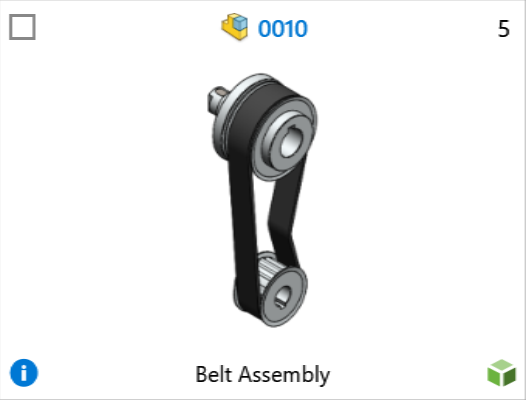
| Home items | The parts and assemblies on a page. Assemblies open on the web page to show their parts. |
To make your first web page:
- Click + at the top of Publish Tools and choose a folder. See Publish Folders.
- Right-click the folder and choose Add project. See Publish Projects.
- Right-click the project and choose Add page.
- Drag item boxes onto the drop zone. See Publish Pages and Home Items.
- Click Publish in the command bar. See Publishing.
- Click Share to send it to your customer. See Share.
Good to know
- The Publish tree is the same in every Vitreo project.
- Publishing again replaces the pages. The customer always sees the last version.
- Opening the tab does not load any items. You see them when you ask for them.
- The How to use card at the bottom of Publish Tools repeats these steps.