Rename Overview
When you open the Rename tab, Vitreo first asks What do you want to do? You pick one task. Nothing loads before you pick, so the tab opens at once.
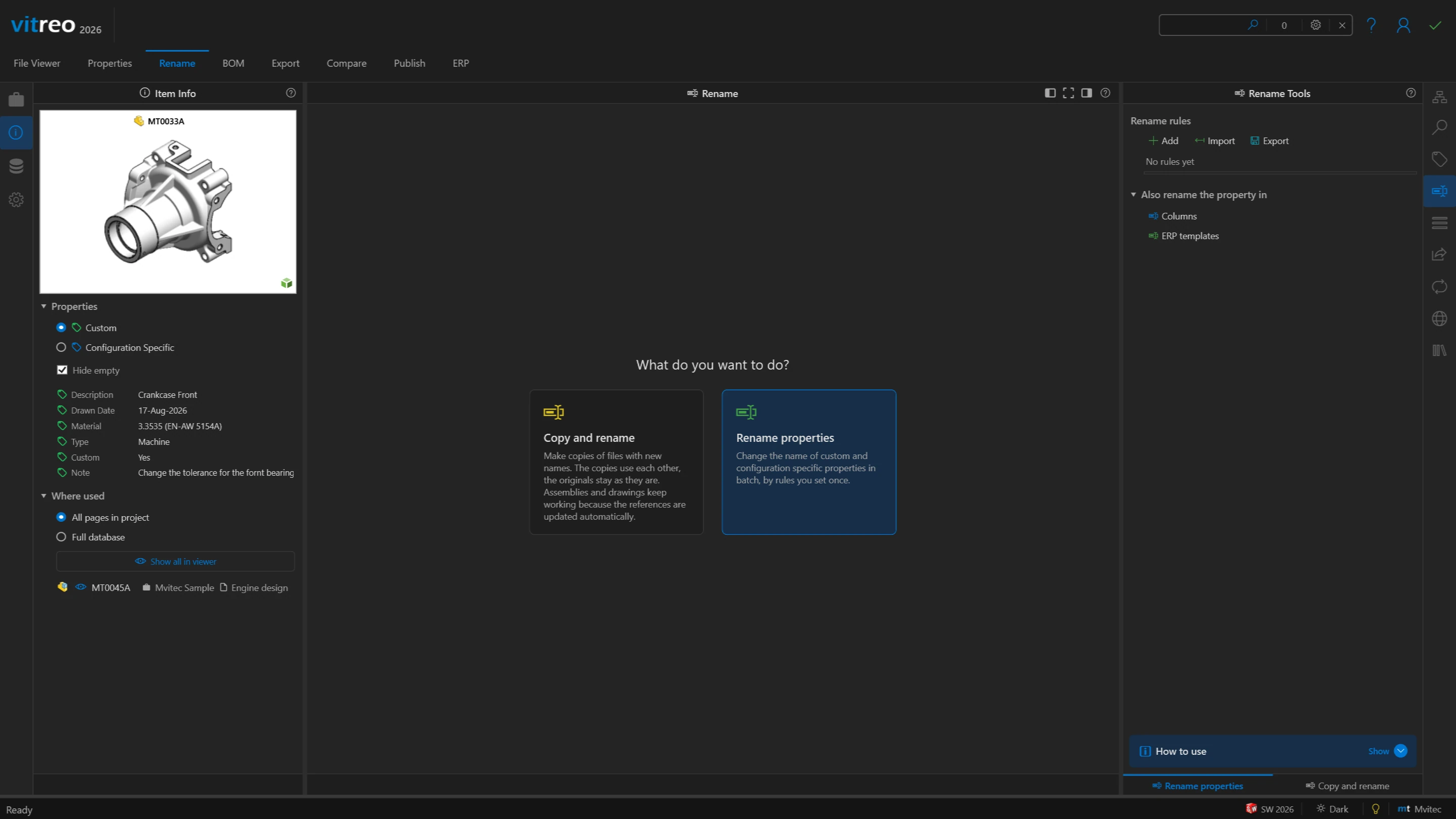
To start a task:
- Click the Rename tab in the command bar.
- Click a card:
| Card | What it does |
|---|---|
| Copy and rename | Makes copies of files with new names. The originals stay as they are. See Copy and Rename. |
| Rename properties | Changes the name of custom and configuration specific properties in many files, by rules. See Rename Properties. |
The center, the Rename Tools pane on the right and the run button in the command bar follow the task you picked.
Switch to the other task
- Click Back to start at the left of the center title bar. You see the two cards again.
- Or click the tab Rename properties or Copy and rename at the bottom of the Rename Tools pane.
Good to know
- The run button in the command bar has the name of the task: Rename properties or Copy and rename. It is hidden on the start screen.
- Each task has a How to use card at the bottom of Rename Tools. Click Show to open it. Vitreo remembers if it is open.