Item Card
The top of the Item Info pane shows the item box of the file. It works like the item boxes in the center, so you can act on the file from here.
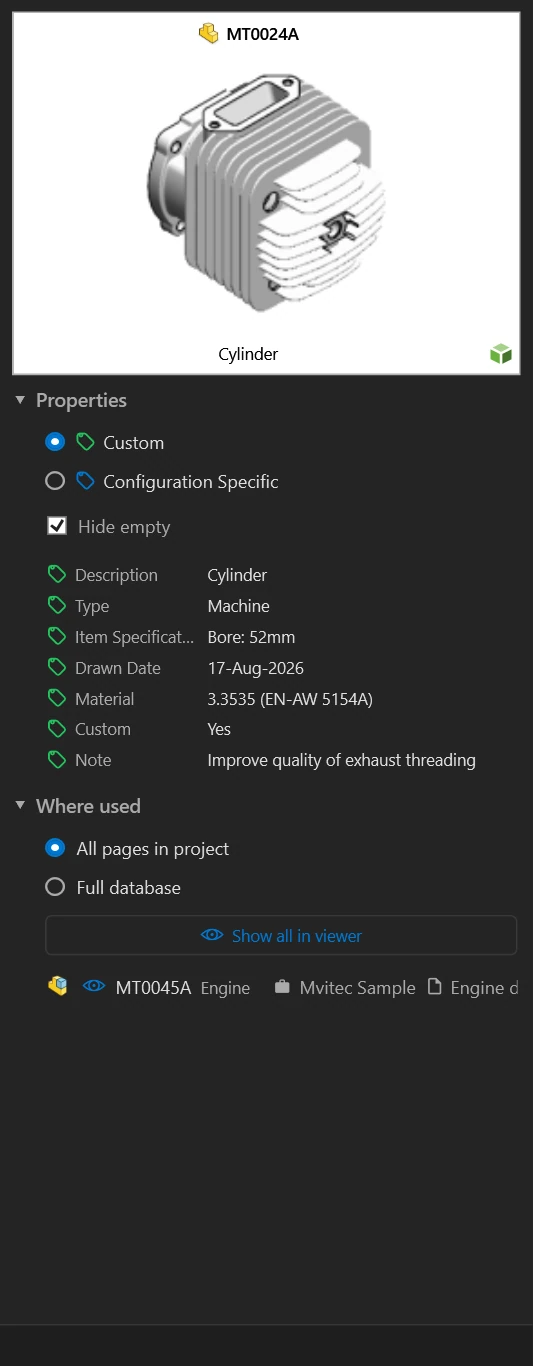
| Part | What it does |
|---|---|
| File name | Click it to open the folder in Windows Explorer, with the file selected. |
| Preview | Point at it to see the hover buttons. Right-click it for the item box menu. |
| Item box text | Click it to edit the value. See Item Box Text. |
| Green cube | Opens the 3D preview. |
Good to know
- This item box has no check box, no number and no i button.
- When you edit the text, the property list below follows.