Linked Properties Tab
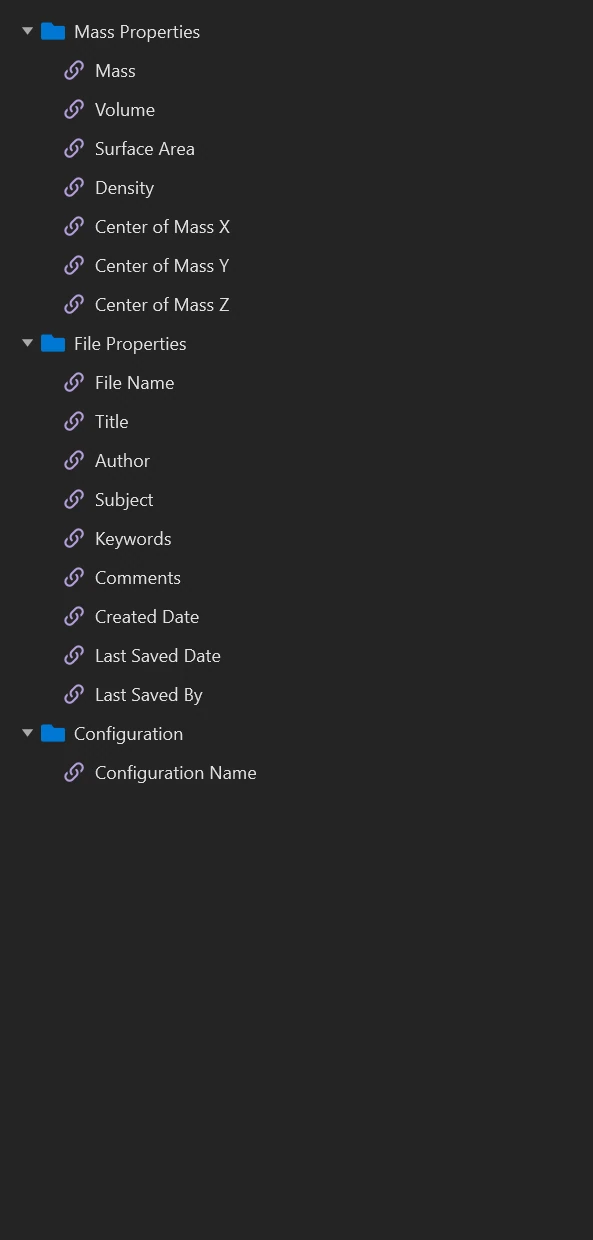
The Linked Properties tab lists ready-made SOLIDWORKS formulas. Put one into many cells at once by a double-click or by dragging it onto the grid.
| Group | Properties |
|---|---|
| Mass Properties | Mass, Volume, Surface Area, Density, Center of Mass X, Center of Mass Y, Center of Mass Z |
| File Properties | File Name, Title, Author, Subject, Keywords, Comments, Created Date, Last Saved Date, Last Saved By |
| Configuration | Configuration Name |
To add a linked property:
- Select the cells in the grid.
- In the Linked Properties tab, double-click the property. Or drag it onto a cell. The cells show [SW save required].
- Click Save. The Save Properties dialog box opens the files in SOLIDWORKS to calculate the values.
Good to know
- Mass properties are written with the file name of the row, for example
"SW-Mass@Part.SLDPRT". File properties are written as$PRP:"SW-File Name"and so on. - A double-click writes into every selected row of every selected column.
- List columns and locked rows are skipped.
- One assign is one step for Ctrl+Z.
- Read Linked Properties to understand why SOLIDWORKS must save the files.