Show All Revisions
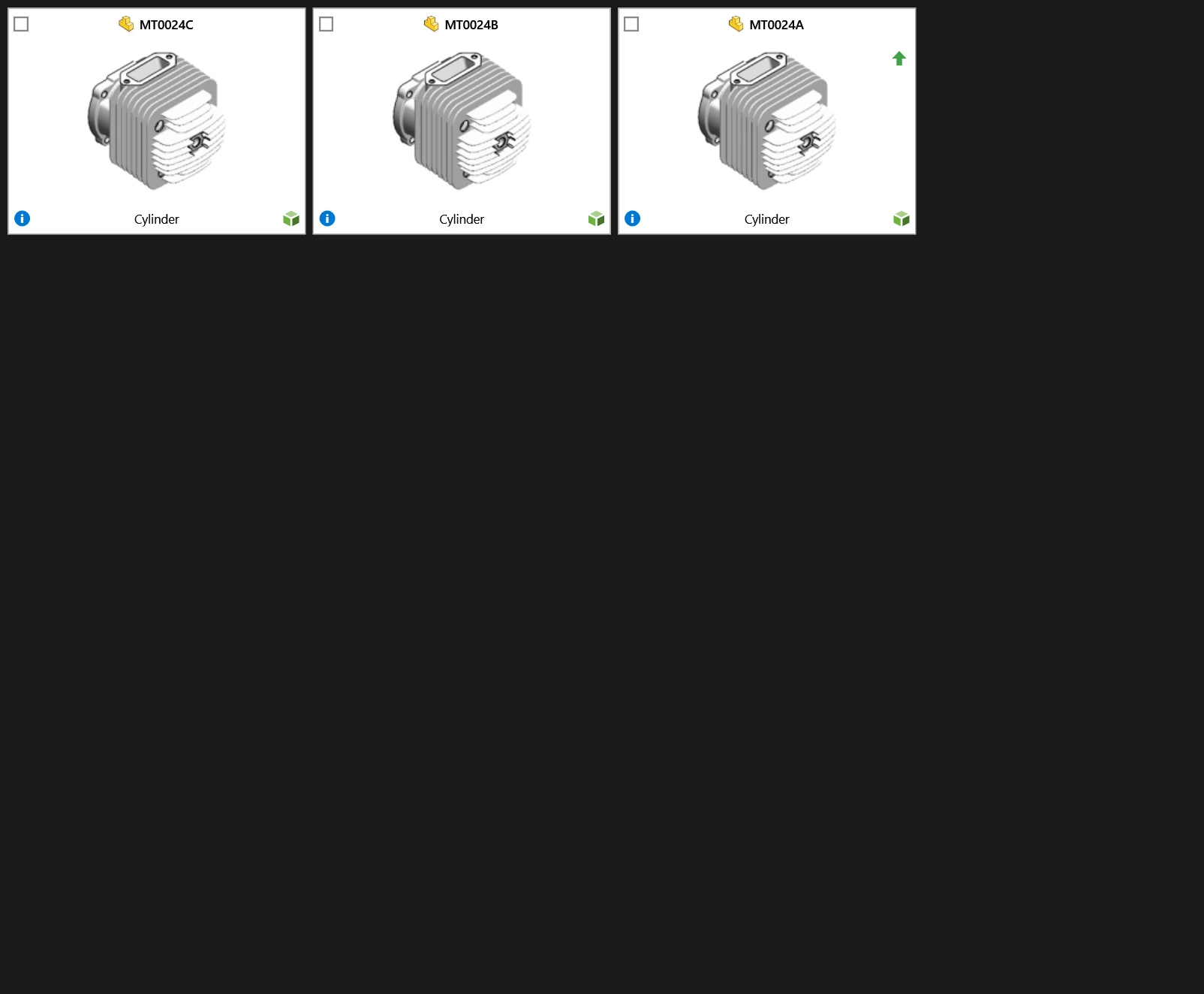
See every revision of a file side by side as item boxes. Use it to compare an old and a new revision, or to open an older one.
To show all revisions of a file:
- Right-click the item box.
- Choose Show all revisions (N). N is the number of revisions in the folder.
Vitreo shows one item box per revision, newest first. The navigation bar shows ... revisions, for example AB0001 revisions. Click Back to return to where you were.
Good to know
- The menu row shows only when the folder holds at least one other revision of the file.
- It needs a Numbering System with a Revision chip.
- Only files in the same folder with the same file type count.
- The item boxes have the full right-click menu. You can open an older revision in SOLIDWORKS from here.
- A revision that is a home item keeps its green arrow when a newer one exists. See Newer Revisions.